


Secure
Centralised management, hosting in France, data reset after each session.
SQOOL Extend is a virtualisation solution that enables the creation of computer labs, accessible from any device. It extends the lifespan of existing computers by leveraging high-performance and secure virtual machines.
Works with Windows, Mac, Linux OS
Secure "appliance" servers in France
Included classroom booking software

SQOOL Extend allows teachers to book virtual computer labs for their sessions in just 3 simple steps, complete with discipline-specific software and resources.
Centralised management, hosting in France, data reset after each session.

Reuse of existing IT equipment, no need to invest in new machines.

Optimal performance, even on low-powered equipment.

Access from any device, regardless of the operating system.
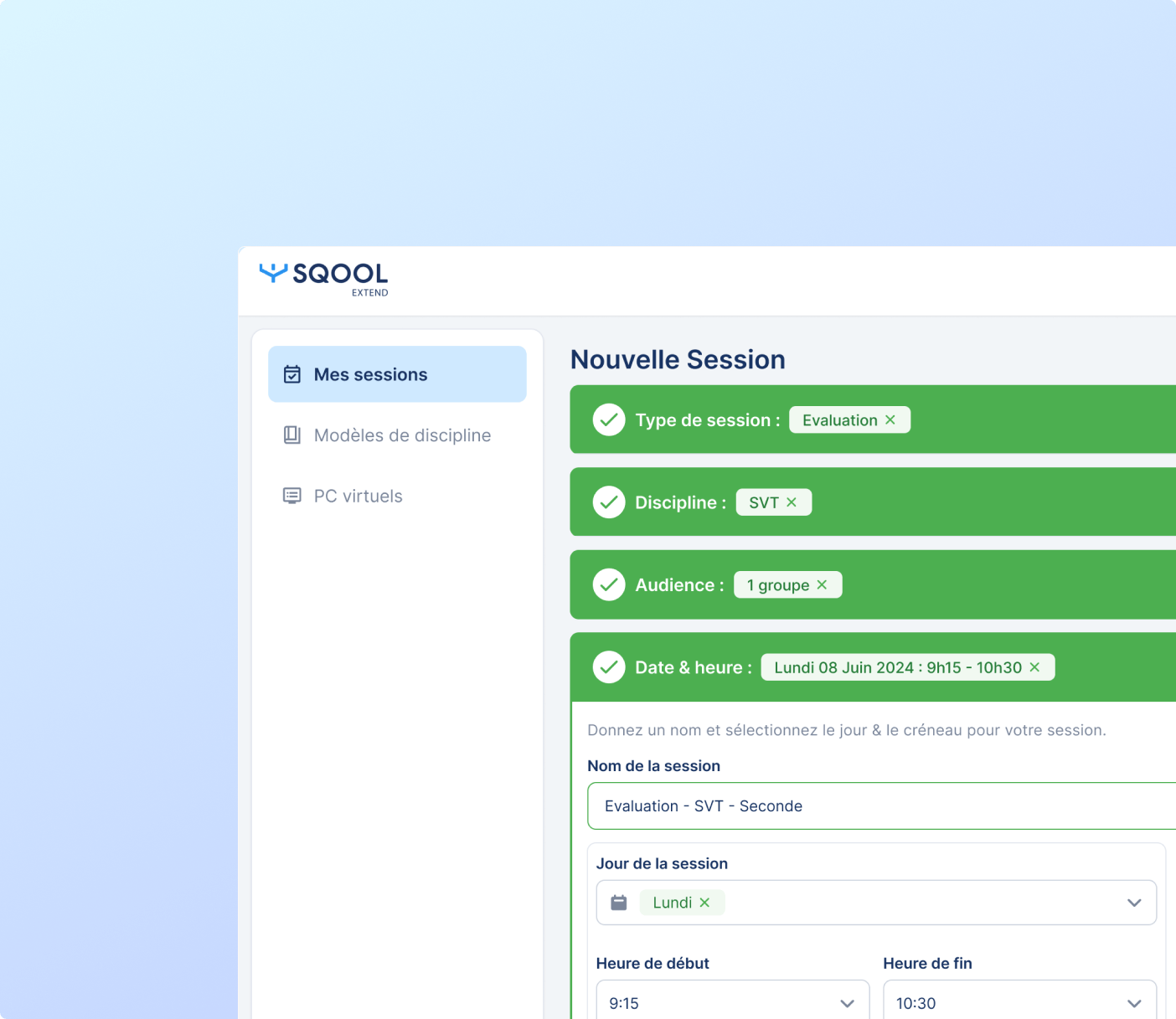
Booking virtual classrooms as required
Pre-configuration of turnkey environments (including the necessary software and performance specifications)
Data is reset after each session
Possible integration with the LMS to simplify authentication
SQOOL Extend doesn’t just stop at the software bit. It’s a proper 3-in-1 solution designed to fit all sorts of educational setups.
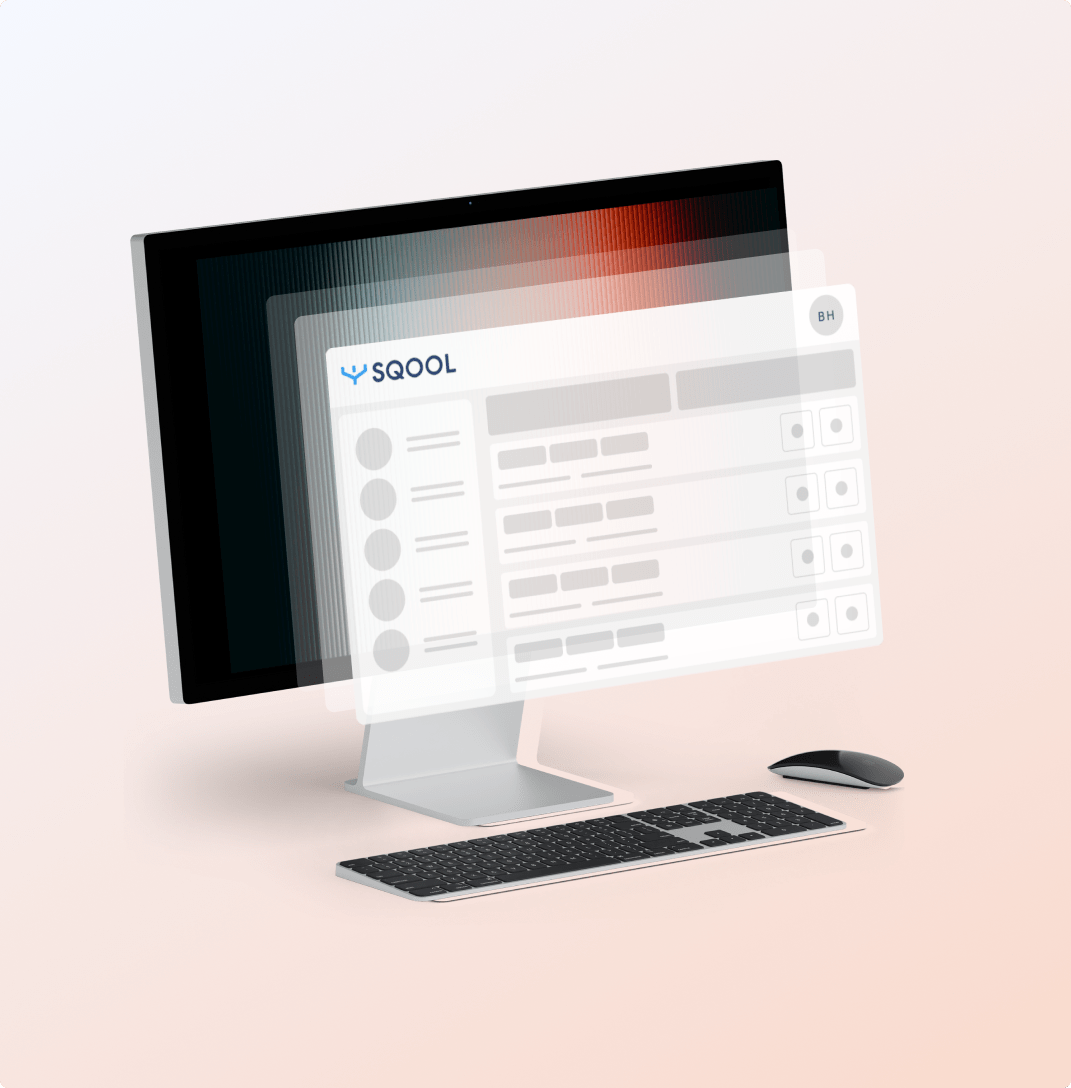
Customised appliance solutions tailored to your needs, with or without advanced graphics capabilities
Hosting in your data centre or in UNOWHY’s data centre
A stable, ready-to-use infrastructure
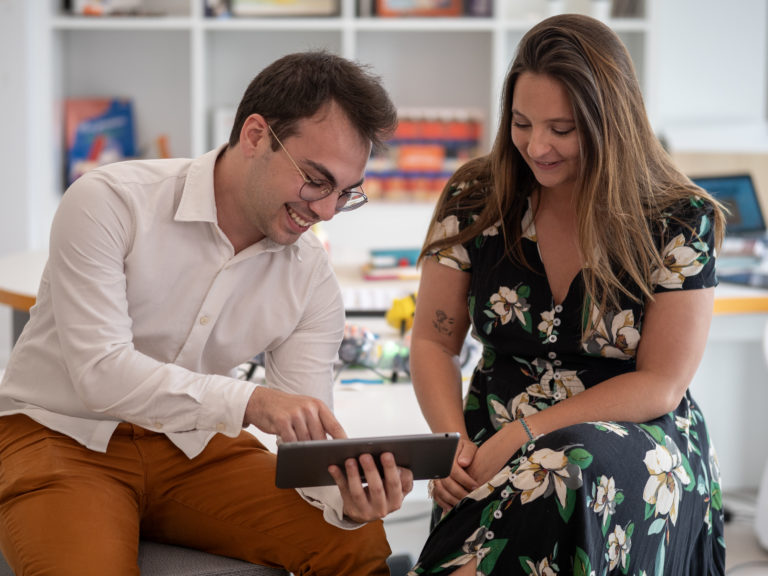
Dedicated project manager
Team building
Responsive technical and functional support
Personalised support to ensure a successful rollout
Reduced costs for upgrading and maintaining your IT infrastructure
BYOL: simplified licence management
Centralised security and management with automatic updates
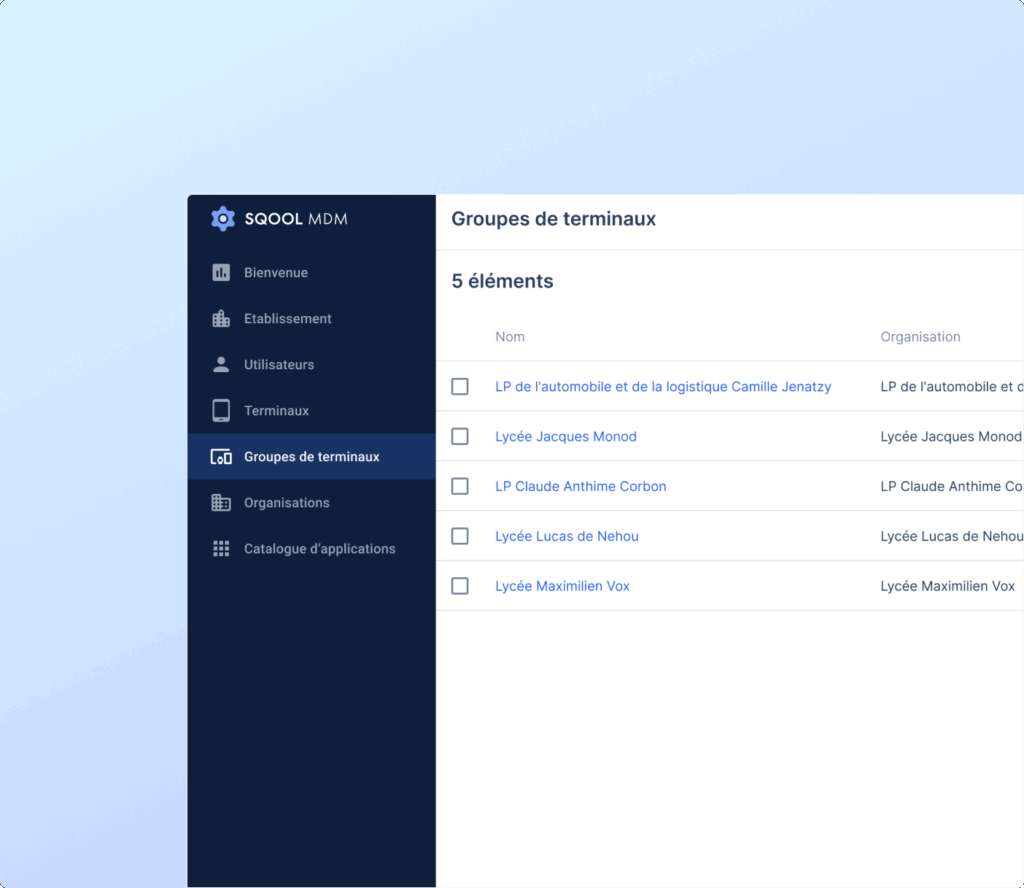
Unrestricted access to specialist software
Intuitive booking of virtual classes
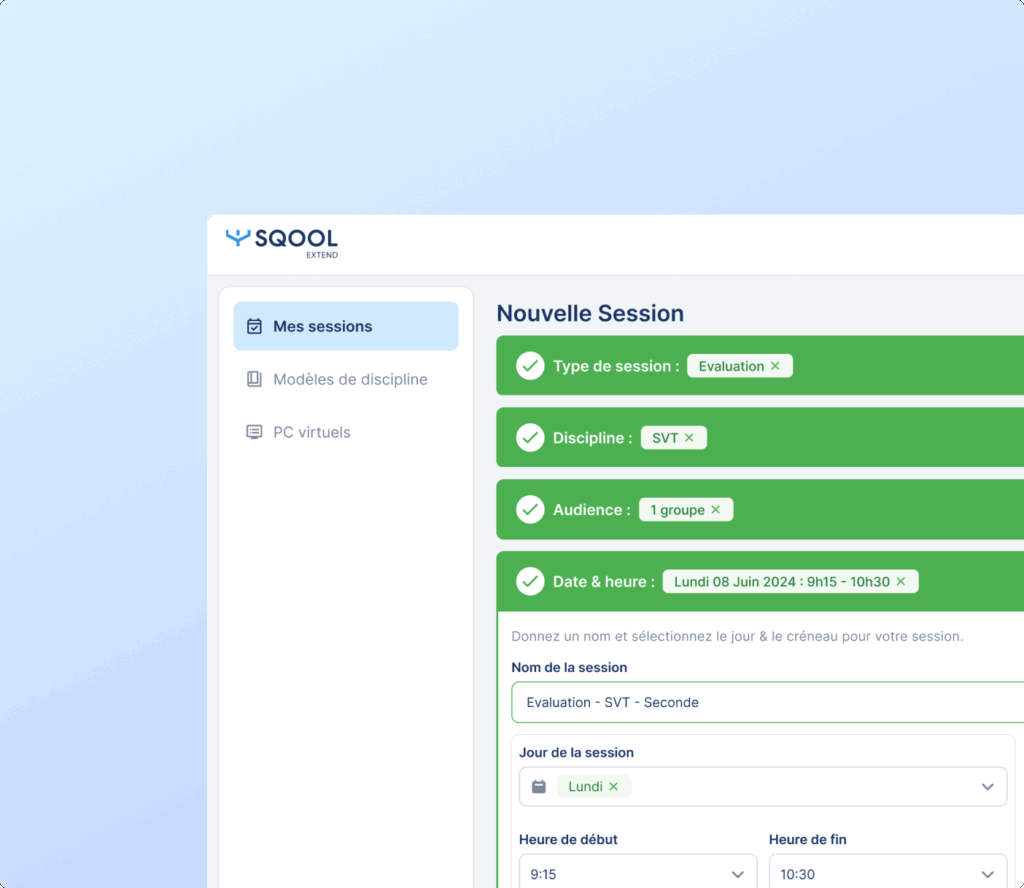
Simple and secure access to class sessions
No configuration required
Fair access to high-performing work environments
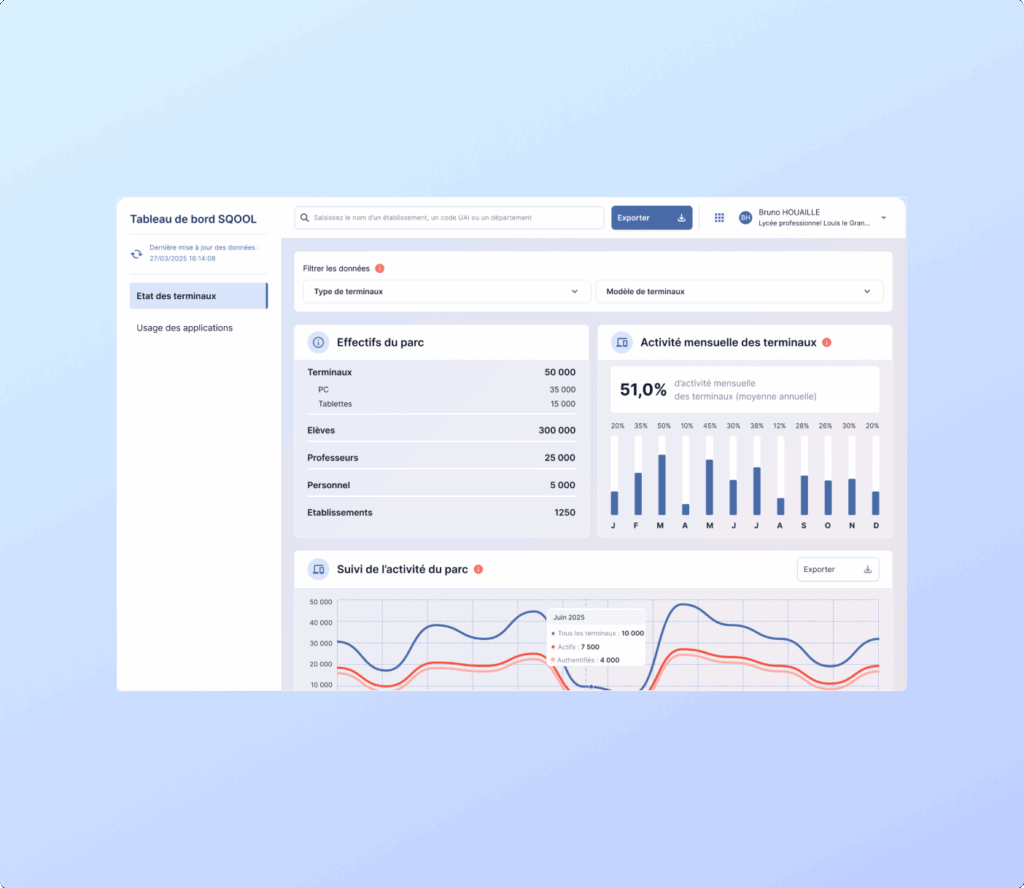
Monitoring usage via a centralised dashboard
Optimisation of available resources
A reliable tool for managing digital strategy
(Re)watch the keynote presentation of our PC virtualisation solution!
We explain how SQOOL Extend can transform your existing IT equipment into a high-performance, secure solution adapted to educational needs.Watch the replay
The solution enables powerful software used in 3D modelling, computing, audiovisual production and filmmaking to run even on low-spec hardware. The environments can be fully customised by teachers.
An SQOOL Extend server can manage up to 400 virtual PCs simultaneously, with very low bandwidth usage (1 Mbit/s per VM) and a smooth refresh rate (up to 120 fps), with no perceptible latency.
Yes. SQOOL Extend has been designed to extend the lifespan of the computers already in schools, without requiring any additional investment in hardware.
Students log in via the SQOOL Extend interface to the session scheduled by the teacher. No setup is required on their part; the experience is seamless and 100% secure.
Yes, if a session has been booked by the teacher outside school hours.
SQOOL Extend supports the creation of virtual PCs running Windows and Linux. MacOS is not currently available.
Virtual PCs are reset after each session. Students should therefore save their work on SQOOL Partage, their digital learning environment (DLE) or any other storage space so that they can access it later.
No. Each virtual PC uses around 1 Mbit/s, which ensures smooth performance even in environments with limited bandwidth.
Yes. SQOOL Extend appliances can be hosted in the customer’s data centre (on-premises) or in UNOWHY’s data centre, depending on the needs of the school or local authority.
Take advantage of a personalised demonstration to discover how to create, configure, and book your first virtual classrooms in just a few clicks. Our experts guide you through every step of the project.
SQOOL Extend complements the SQOOL offering, which provides software designed to address other pedagogical challenges: IT asset management, classroom animation, and pupil protection.

Manage and secure your equipment
Take control of your digital devices with a device management (MDM) tool designed for the education sector. Manage your tablets, PCs and mobile classrooms from a single console.
Discover
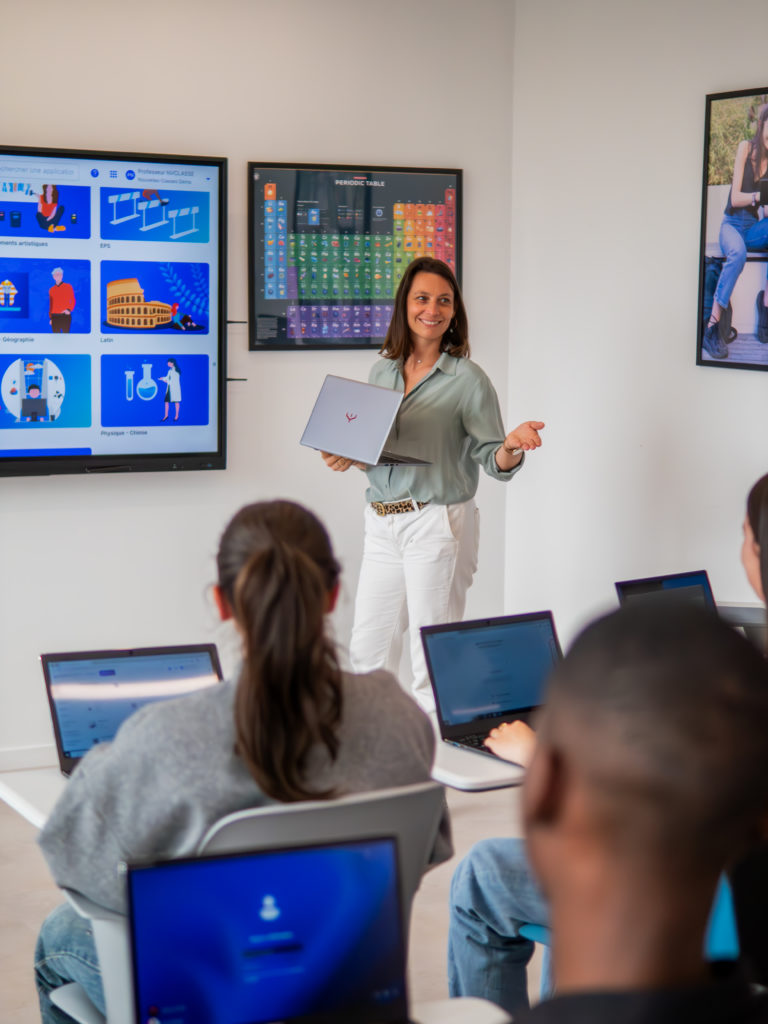
Prepare and lead your class
Save time when preparing your lessons, capture your pupils’ attention and make your daily interactions run more smoothly.
Discover
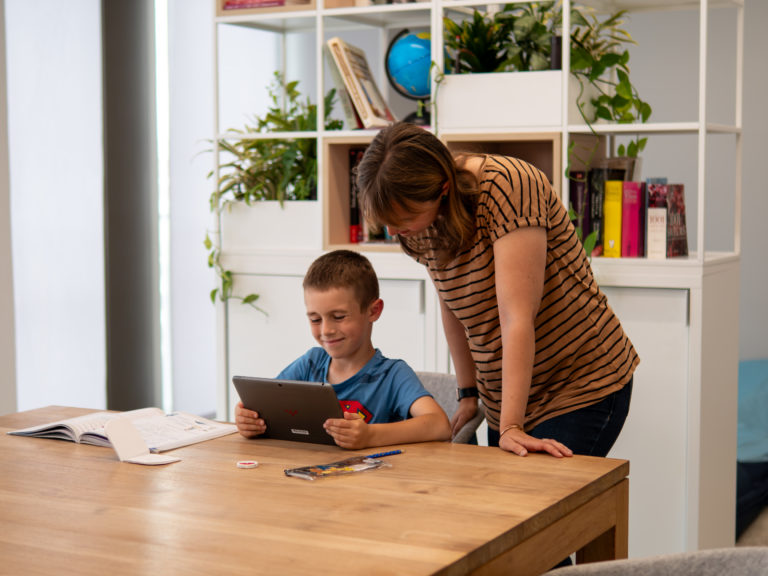
Keep your students safe
Ensure a secure digital environment with a parental control solution designed for use in schools.
Discover
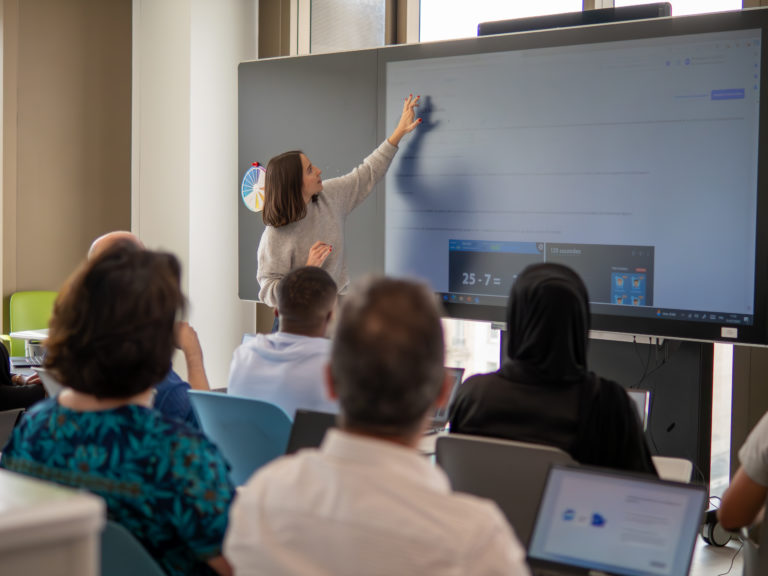
Train your teams in digital skills
Our educational engineers will support you every step of the way in developing your digital training programme for teachers and pupils, ensuring it is aligned with the intended use of the digital equipment deployed in the classroom.
Discover