


Scalable
Developed in collaboration with teachers
Save time when preparing your lessons, capture your pupils’ attention and make your daily interactions run more smoothly.
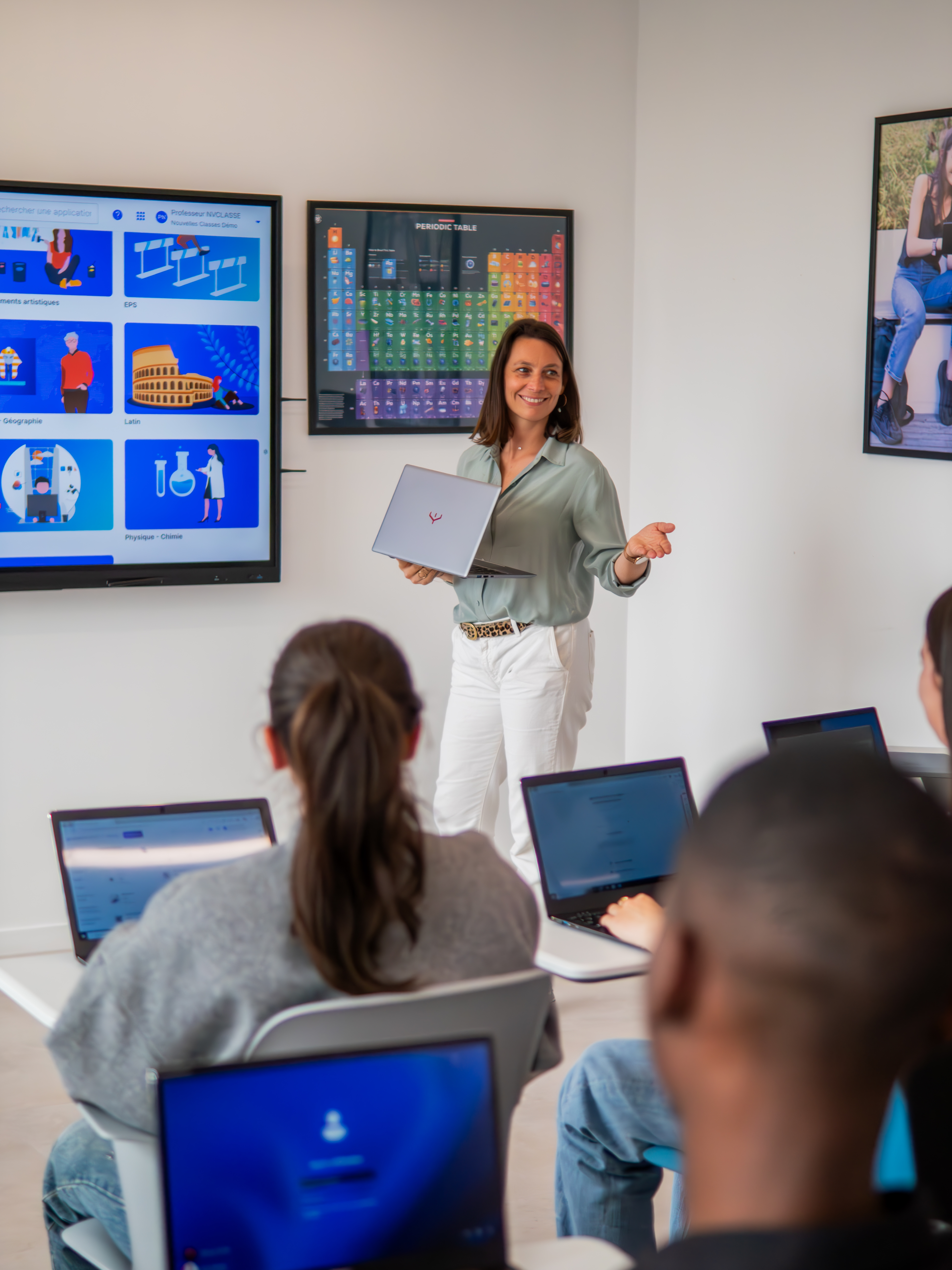
Whether in the classroom or online, SQOOL saves you time and keeps your pupils more engaged, whatever your level of digital literacy.
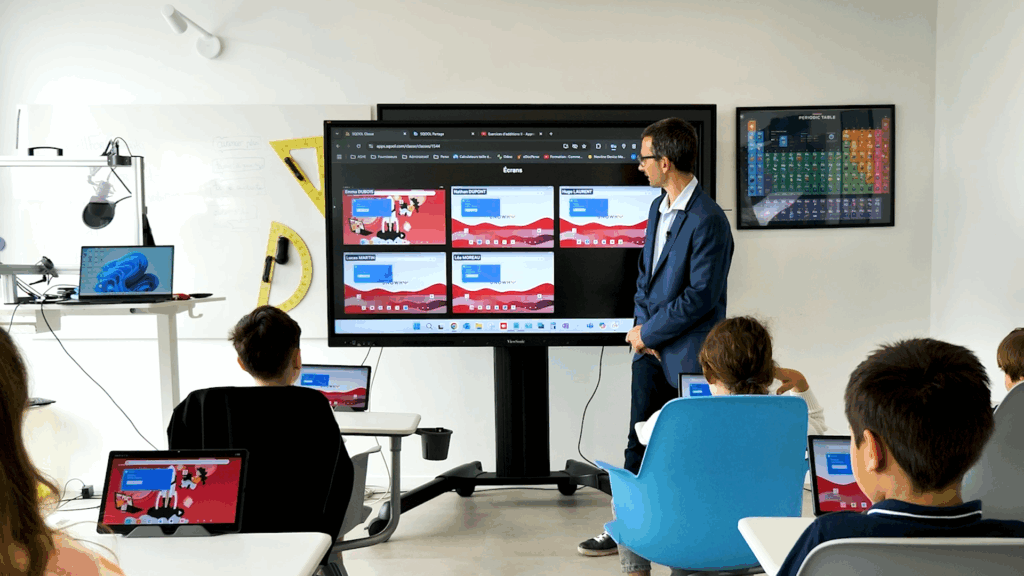
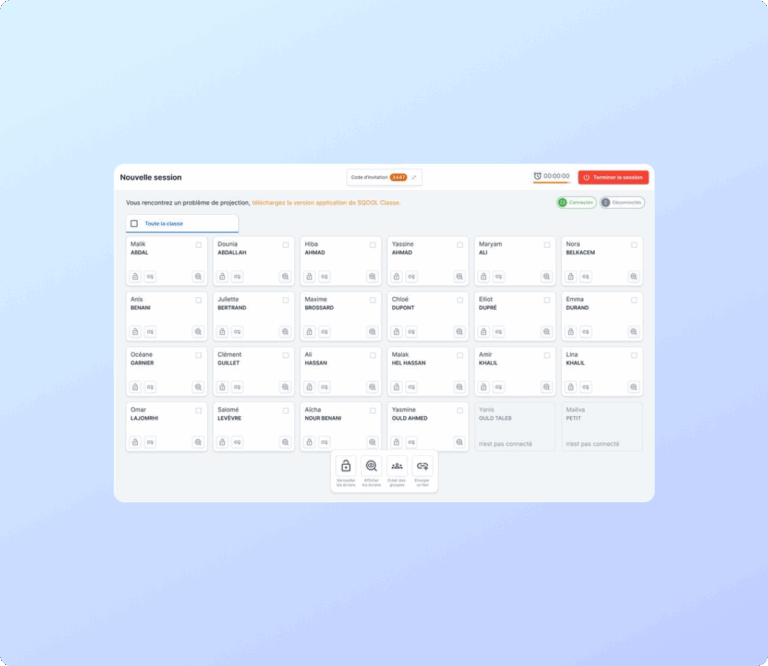
Overview of student screens, with no configuration required
Projection of a student's work, with the option to zoom in
Sending links that open directly on students' devices
Forming groups of students for differentiated learning
Remote devices locking
ersonalised support and guidance for students

Simple organisation of your documents: folders, renaming
Targeted sharing with a class, a student or a colleague
Instant access to your classes and students, with no setup required
Preview documents before downloading
Download with automatic author identification
Accessible from any browser, whether at school or at home
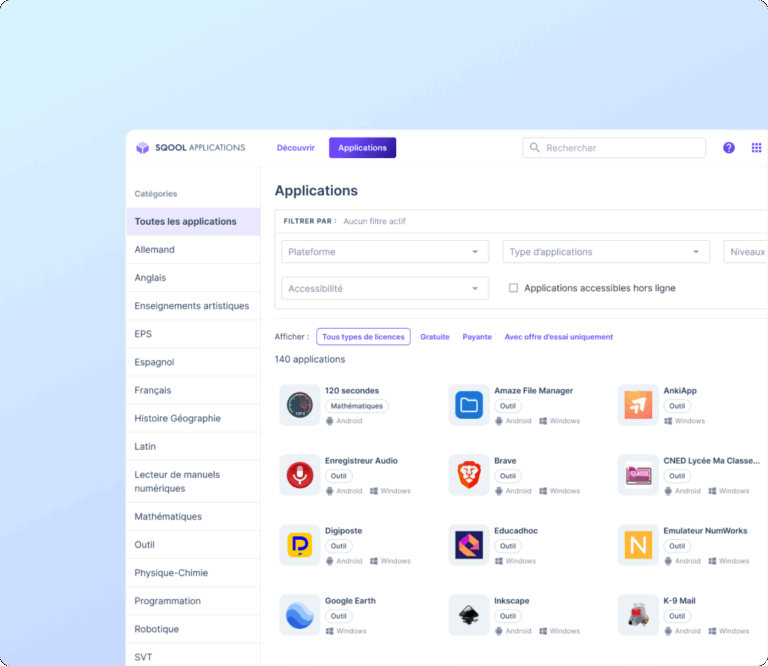
Access to over 500 carefully selected educational resources
Sort by level, subject, purpose
One-click installation on all devices
Suggested uses
Concrete assurances for worry-free use in the classroom, in line with the requirements of the Department for Education.
Developed in collaboration with teachers

Compliant with CNIL and ANSSI guidelines

In line with the official school curriculum
Manage your digital classroom in real time
Showcase your students’ work
Offer personalised support and tailored programmes
Access your teaching resources anywhere, anytime
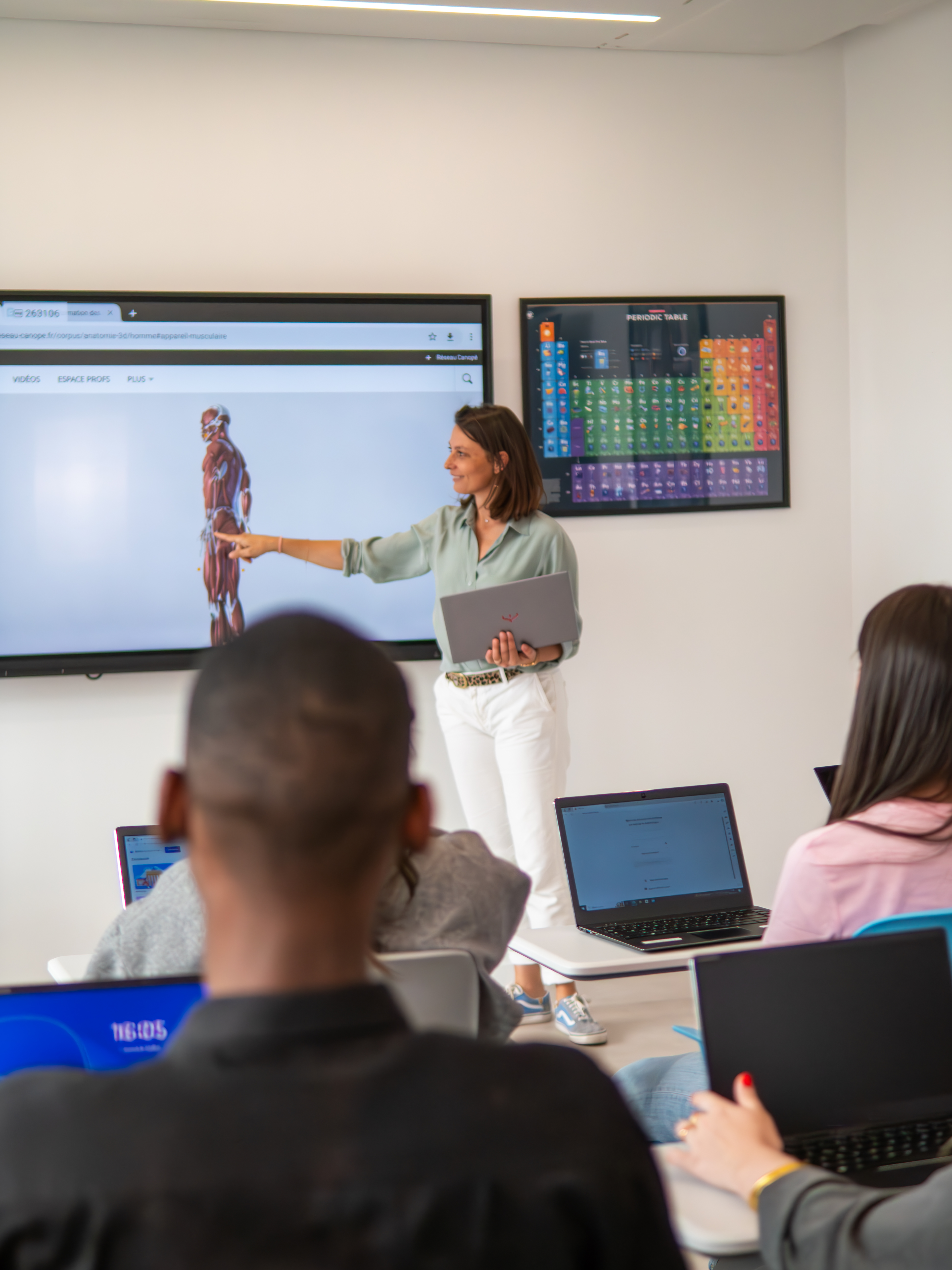
Work in a secure environment that respects your privacy
Get personalised support
See your efforts recognised
Develop your independence and digital literacy
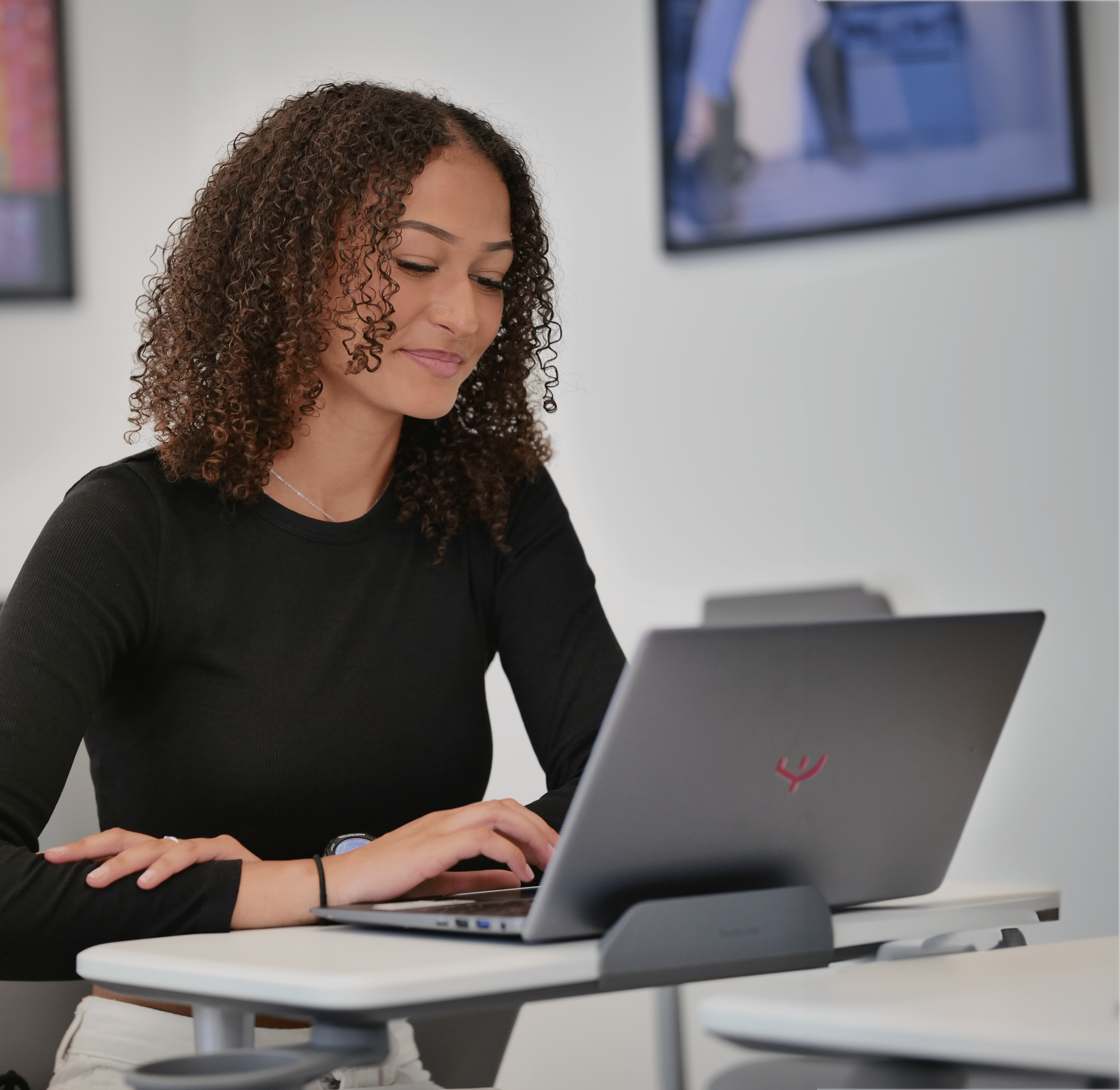
Ensure a secure solution that complies with the GDPR
Simplify deployment with ready-to-use tools
Track detailed deployment and usage statistics
Measure the actual impact of digital technology in the classroom
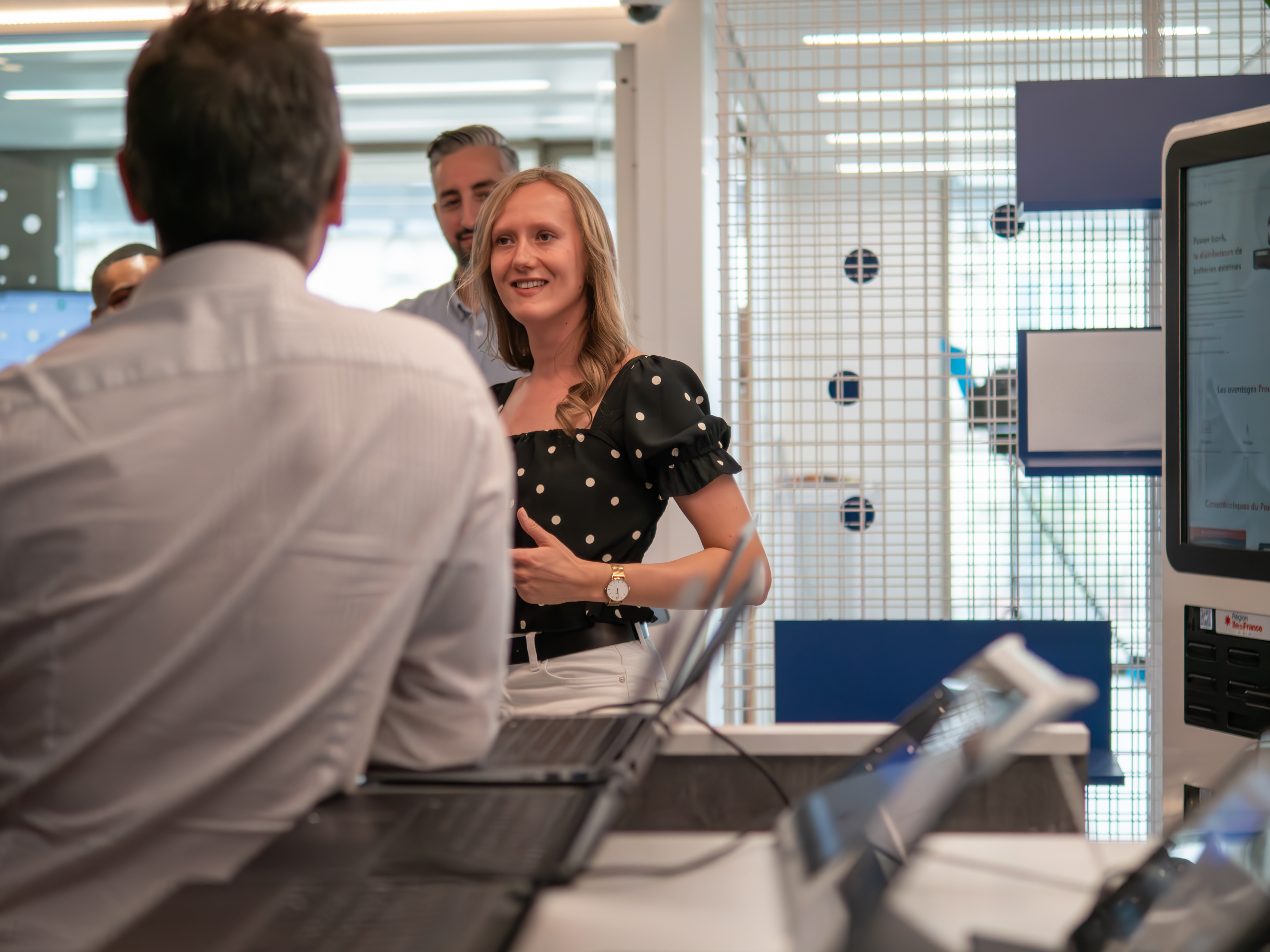
With SQOOL, you get a comprehensive package that goes far beyond just the software.
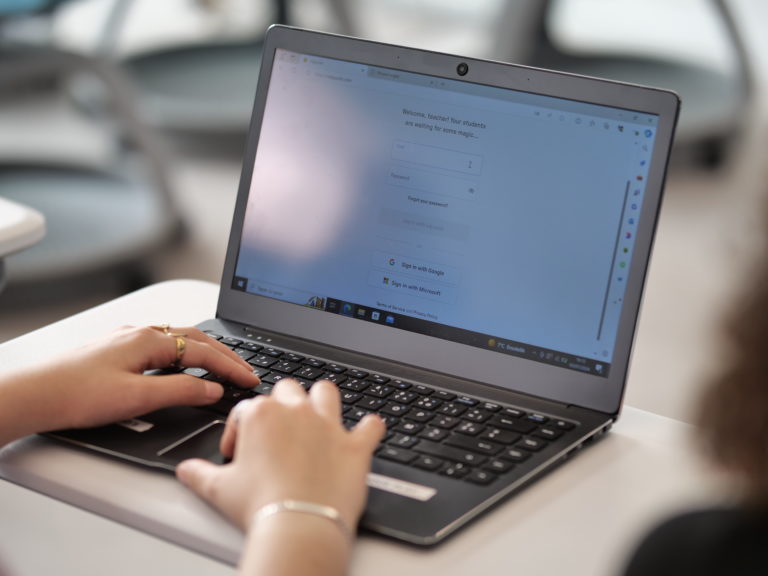
Equipment suitable for each school year group
Tablets, laptops, and ready-to-use mobile classrooms
Durability: IK06/IP52-rated, shock- and splash-resistant, tamper-proof keys
Centralised management: updates, security, configuration
Fully compatible with SQOOL software
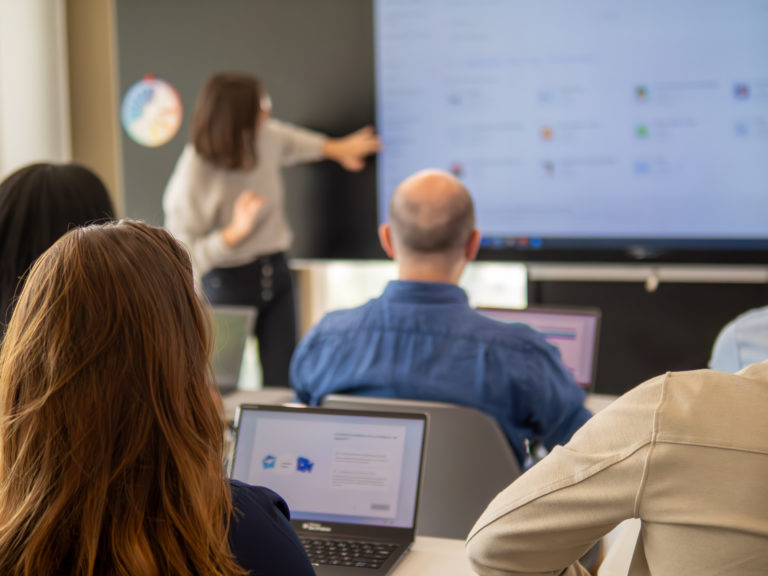
Formations adaptées à tous les niveaux d’aisance numérique
Assistance technique et accompagnement à chaque étape du projet
Support réactif et disponible
Ressources clés en main : webinaires, fiches, tutos…
“I’ve been using the flipped classroom approach for about seven years. (…) Two years ago, we were provided with computers in the classroom, and that really transformed my use of the flipped classroom and made my day-to-day work much smoother.”
Physics and Chemistry teacher at Lycée Blaise Pascal, Orsay (91)
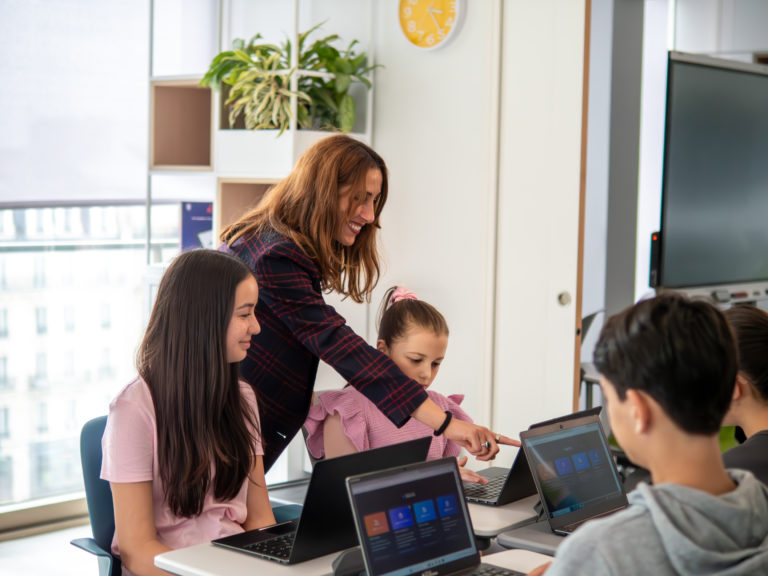
“As a former teacher, digital technology has completely transformed the way I teach. It’s breathed new life into the classroom: seeing the students’ attitudes change and realising that they’re going to learn differently – and probably better – is a real bonus for a teacher.”
Former teacher
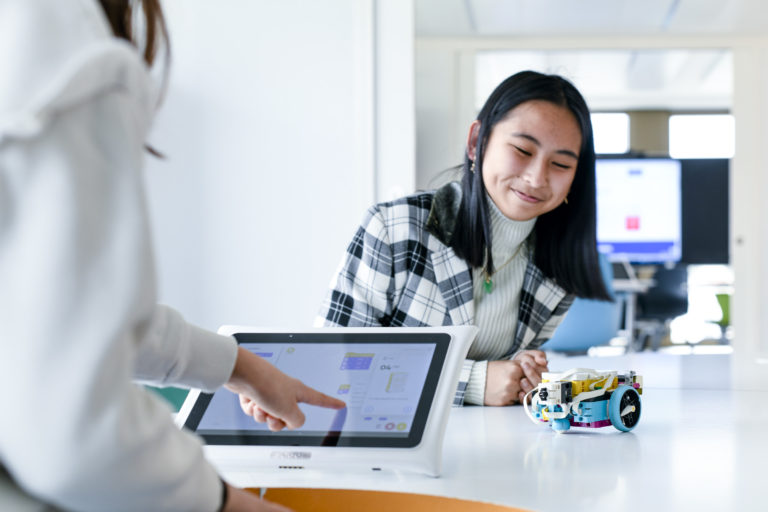
“The workshop enabled the pupils to learn how to save a document and share it with the teacher. Using digital tools in the classroom is a good way to provide differentiated learning, using a medium that differs from the one the pupils use on a daily basis.”
Headteacher of the Petit Prince School, Balaruc-les-Bains (Hérault)

“I see this as a way of motivating all pupils, encouraging them to strive for excellence and to push themselves. The aim is to ensure that pupils are independent, engaged in class and give their very best. This helps everyone to succeed.”
Deputy Headteacher, Charolles (71)

No, not necessarily. The platform is designed to be intuitive from the very first time you use it. You’ll receive step-by-step guidance, 24/7 access to practical resources, and training tailored to all levels through the SQOOL Academy.
Yes. SQOOL Share and SQOOL Apps can be accessed from any web browser, whether at school or at home.
Yes. An internet connection is required to access SQOOL Classroom, Share and Apps.
You can submit a request to add an app via the SQOOL Applications interface. Our team will review it promptly.
The SQOOL suite is a SaaS solution that can be accessed from any web browser and via UNOWHY devices (tablets and PCs).
Use of the solution (software suite, support and guidance) is included for four years. Extensions are available.
Two simple ways to find out more:
Explore other software designed to address the challenges of digital education.

Manage and secure your equipment
Take control of your digital assets with a device management solution (MDM) designed for the education sector.
Discover

Access powerful software
Extend the lifespan of your existing computers by utilising high-performance, secure virtual machines.
Discover
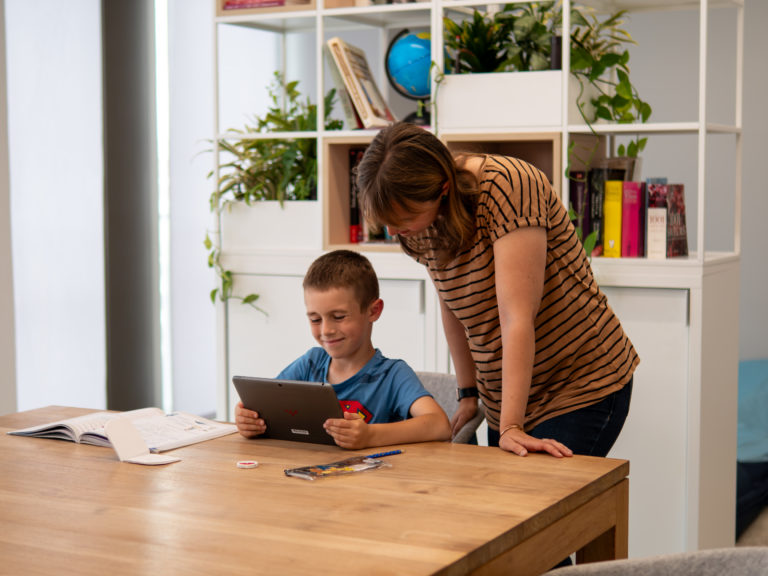
Keep your students safe
Provide parents with SQOOL Protect, the parental control app designed to support children’s digital use on their devices.
Discover
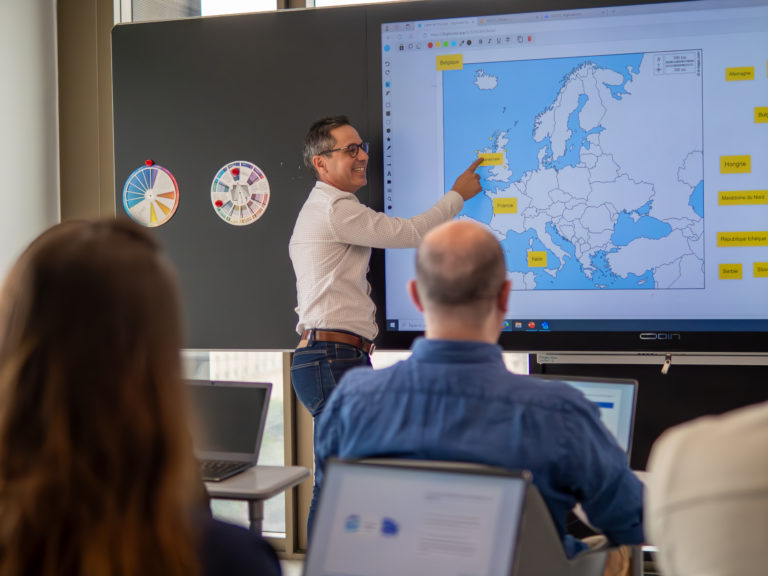
Get digital training
Design your digital training programme for teachers and pupils, ensuring it is aligned with the intended use of the digital equipment deployed in schools.
Discover