


Software
Our software suite allows you to manage, administer and secure your device fleet with ease.
Designed for worry-free learning
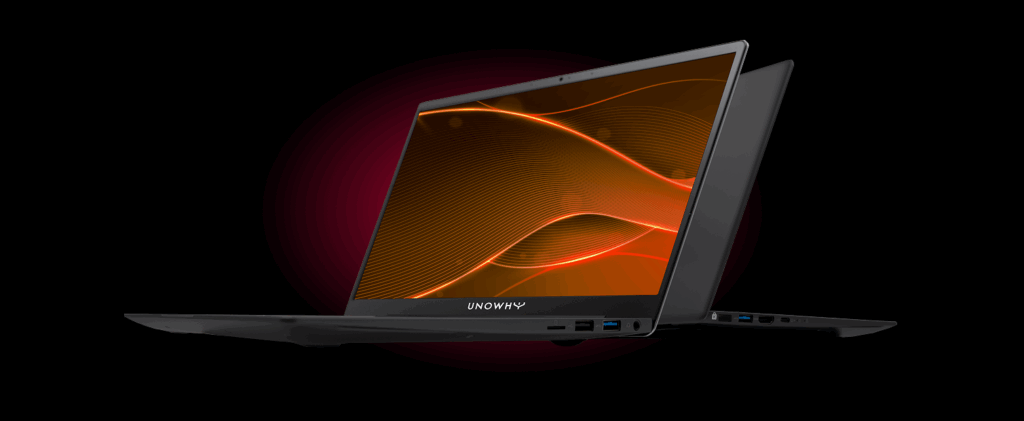
Le PC Y14 est conçu pour répondre aux usages pédagogiques. Avec son grand écran 14’’, son processeur Intel® Core™ (i3 ou i5 selon configuration), son châssis en aluminium et ses nombreuses connectiques, il offre confort, robustesse et efficacité dans tous les contextes d’usage.
Télécharger la fiche technique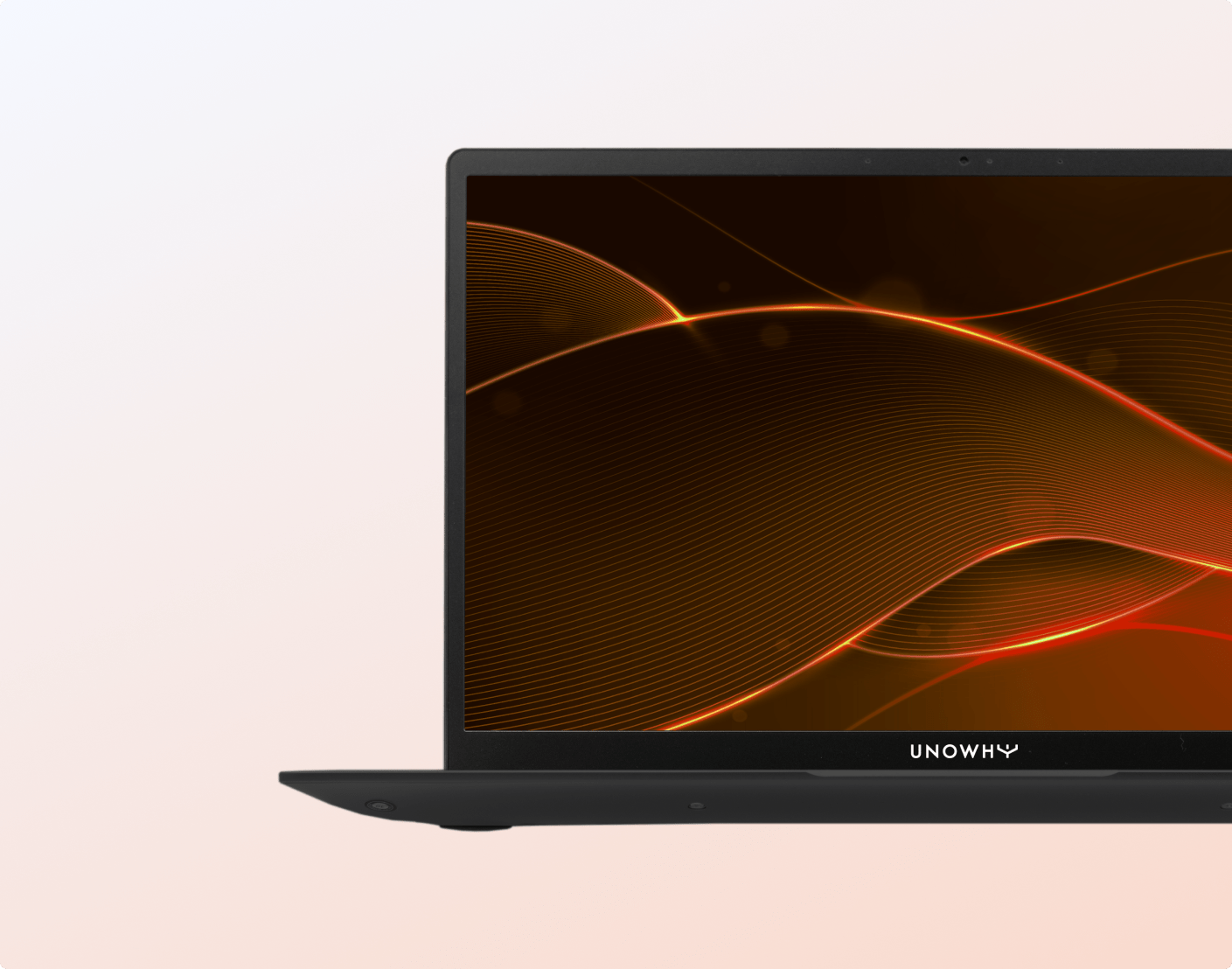
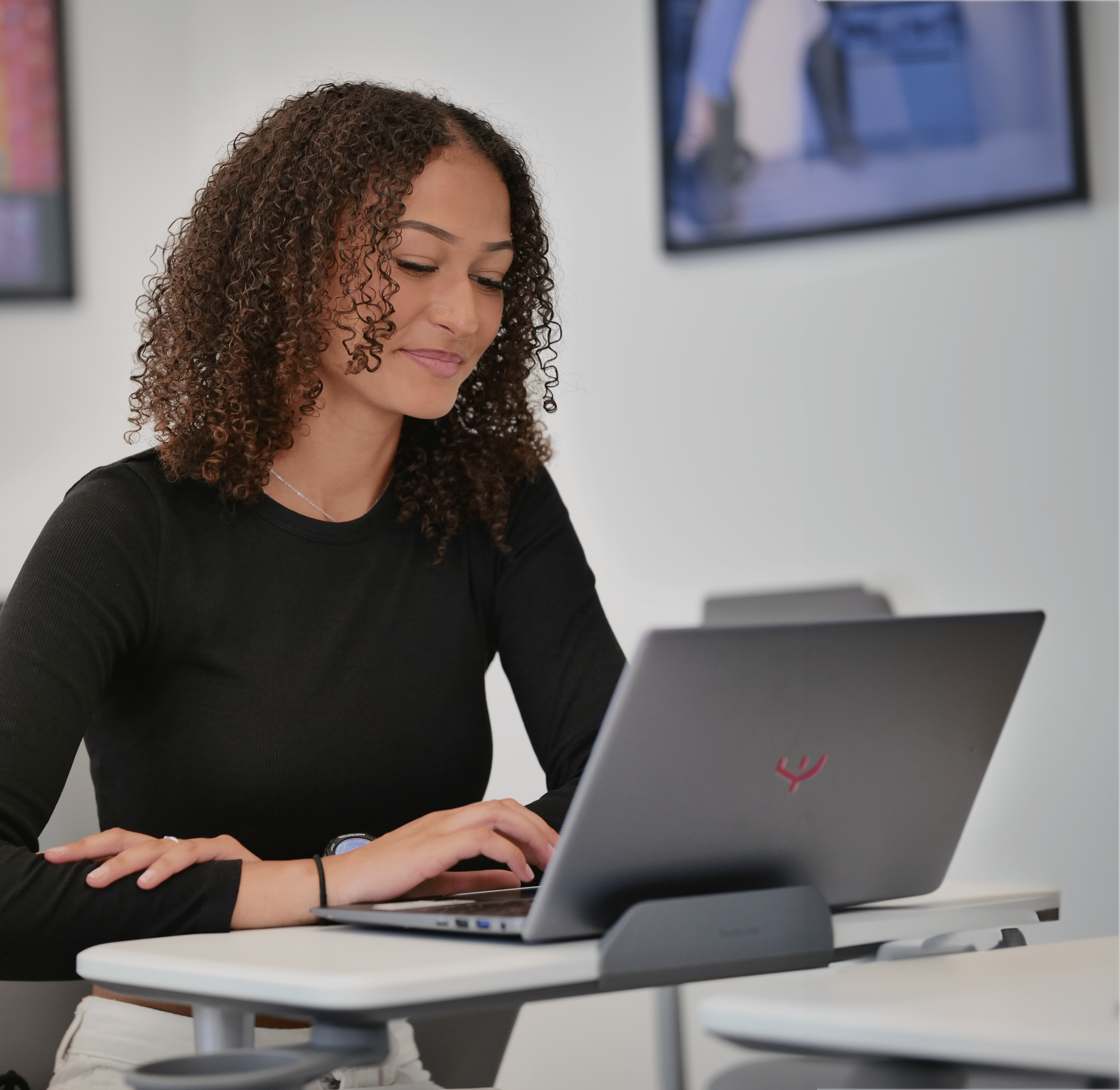
With its Intel® Core™ processor (i3 or i5 depending on configuration), 8 GB RAM and 256 GB SSD storage, this PC is designed for intensive and smooth use, suited to the most demanding educational activities.
The Y14 PC offers up to 10 hours of battery life to support students throughout the day.
Its aluminium chassis ensures reliable performance suited to everyday educational use.
The Y14 PC combines durability, performance and comfort.
Performance
Resolution
Battery life
Storage
Memory
Operating system: Windows 11 Pro Education
Processor: Intel® Core™ i5-1135G7 – 4 cores (2.4 GHz up to 4.2 GHz). Also available in an Intel® Core™ i3 version with 128 GB storage.
Memory: 8 GB DDR4
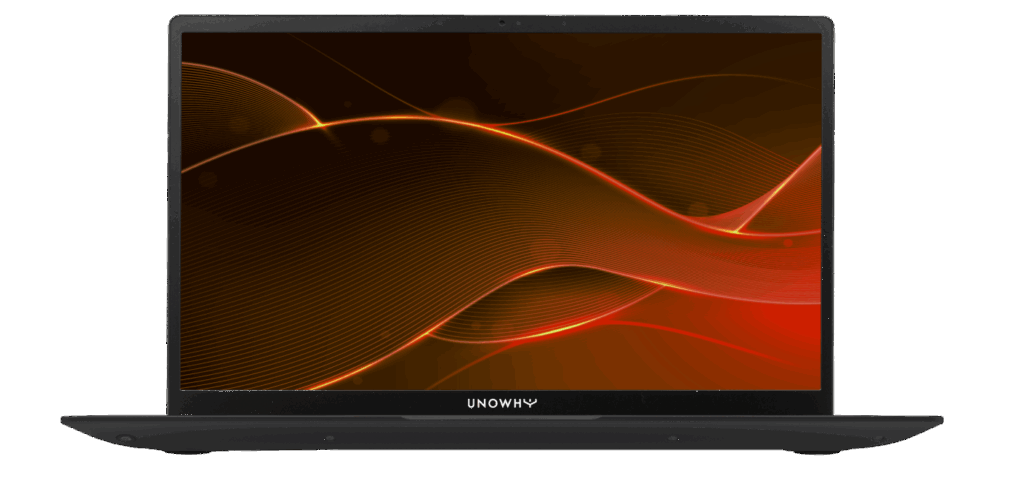
Display: 14” Full HD – Matte IPS panel – 16:9 – 1920 x 1080 px
Graphics card: Intel® Iris® Xe Graphics
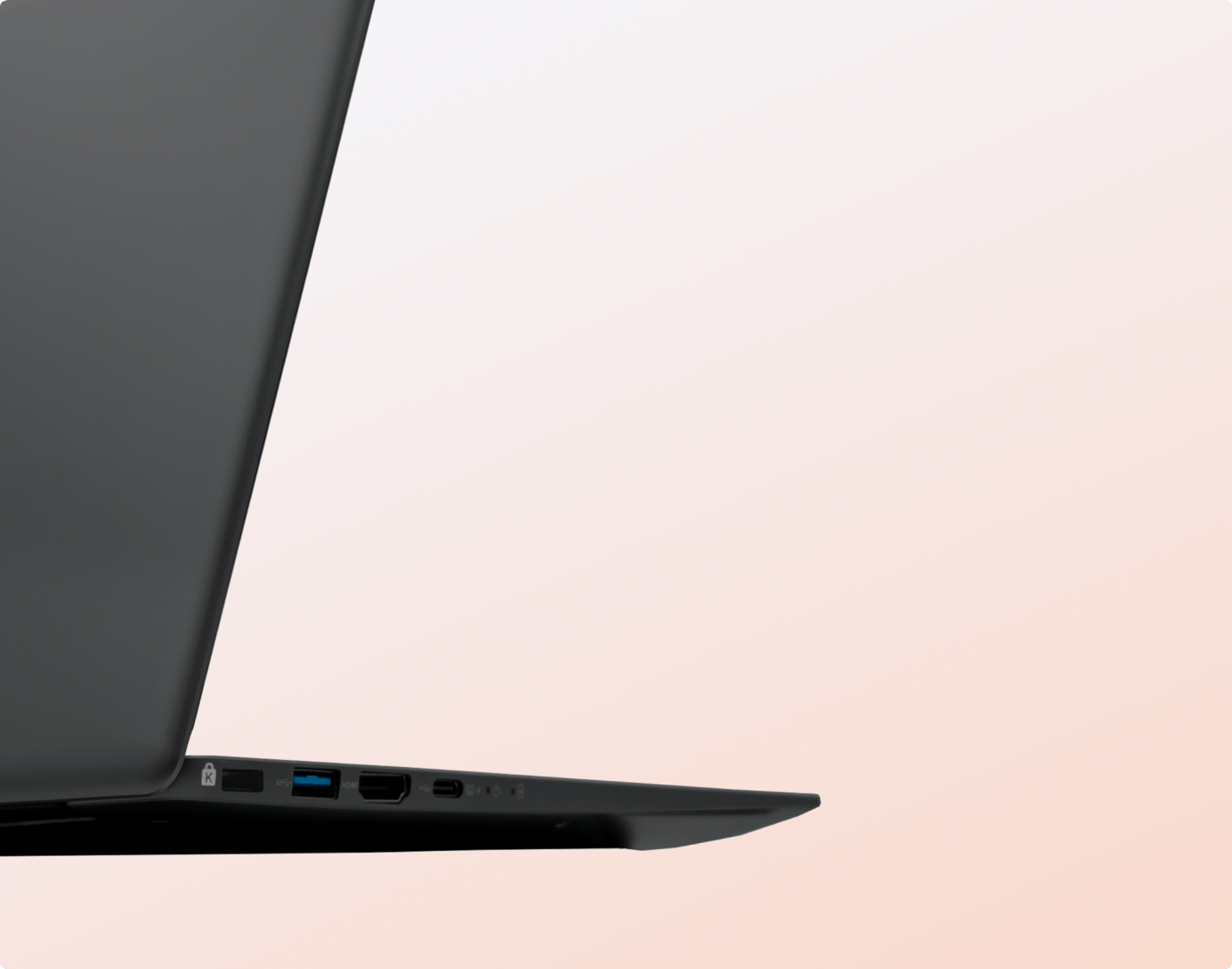
Connectivity: 1x USB-C, 2x USB 3.0, 1x USB 2.0, HDMI, microSD, jack socket
Security: Fingerprint sensor compatible with Windows Hello
Battery: 65 Wh lithium-ion polymer battery
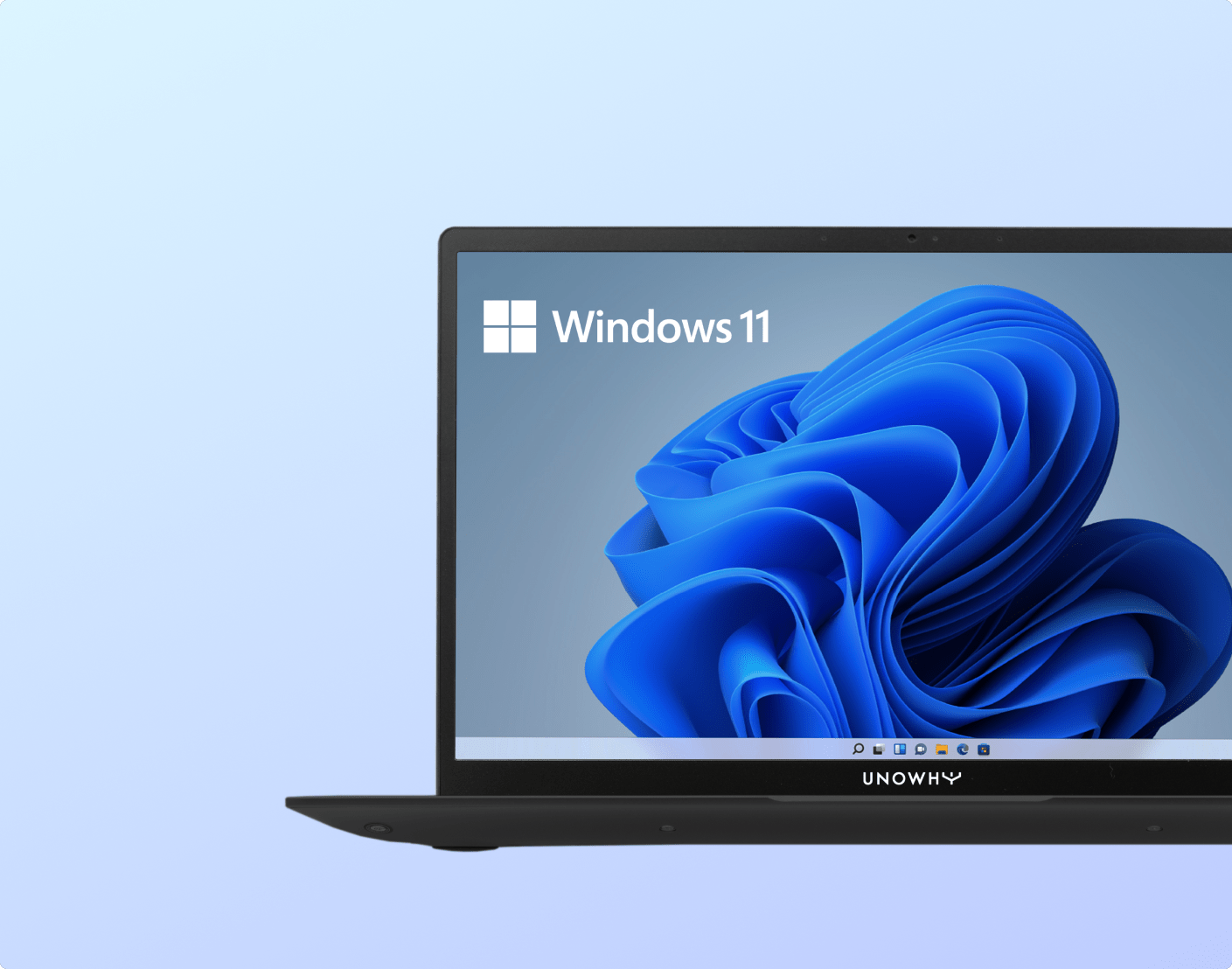
he Y14 PC runs on Windows 11 Pro Education, a version optimised for educational environments.
Thanks to our partnership with Microsoft Education, the device integrates seamlessly with your existing infrastructure (AD, Azure AD, Office 365, etc.) while ensuring secure and student-friendly use.
SQOOL solution
Beyond the device itself, the Y14 PC comes with the SQOOL software suite, support services and ongoing assistance throughout the project. A true turnkey educational tool.
Our software suite allows you to manage, administer and secure your device fleet with ease.

We support you at every stage of the project, from the initial audit to the development of digital practices.
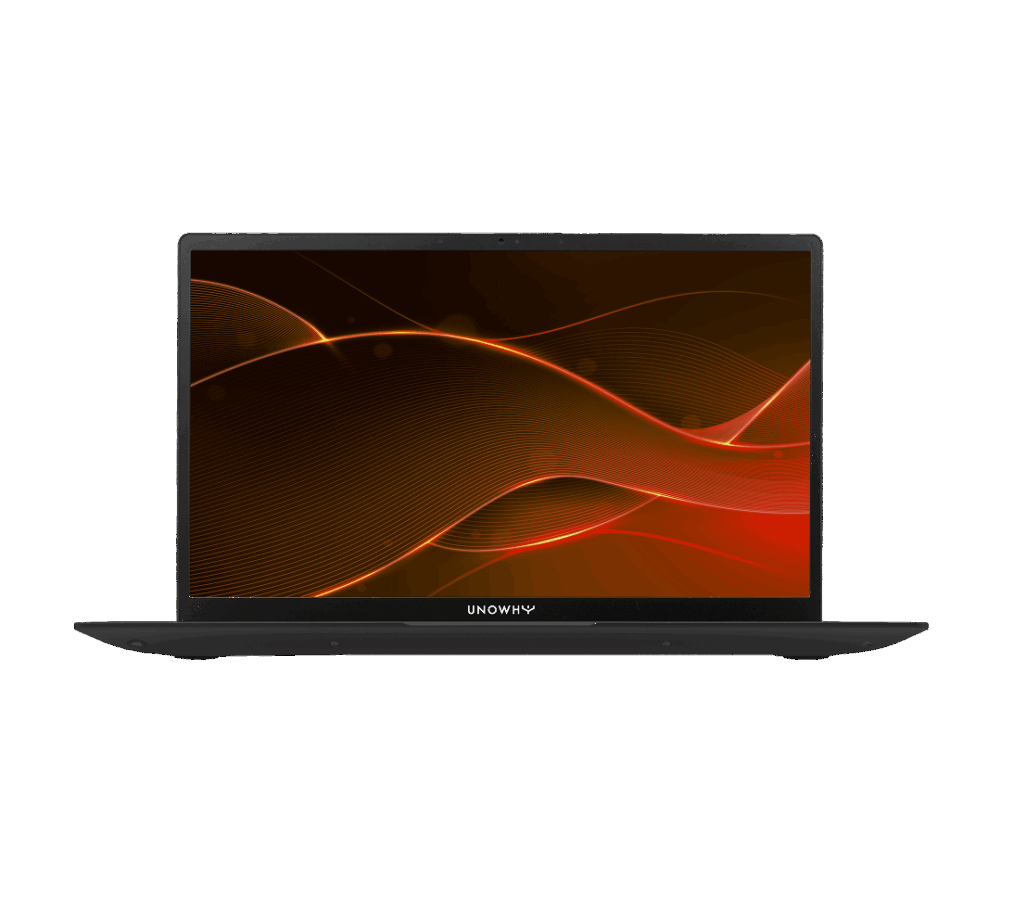
Intel® Core i5 ・ 8 Go RAM ・ 256 Go SSD
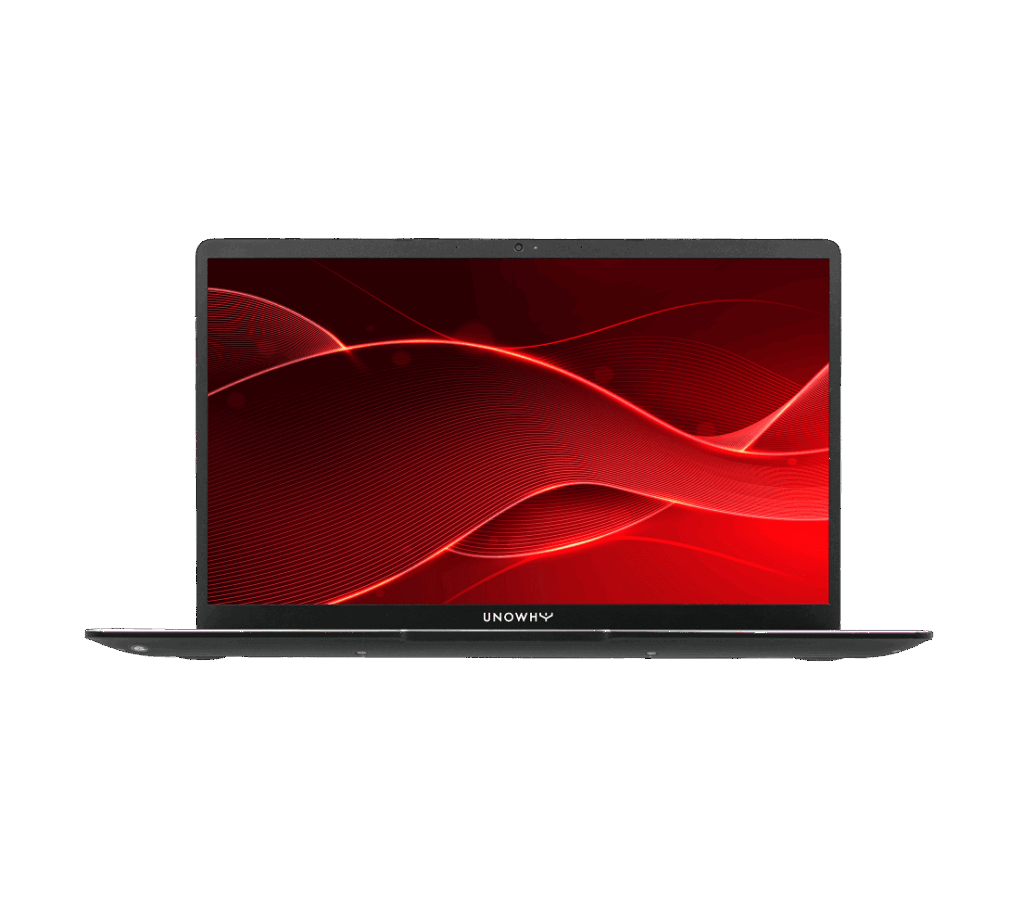
Intel® Pentium® N6000・ 8 Go RAM ・ 128 Go SSD
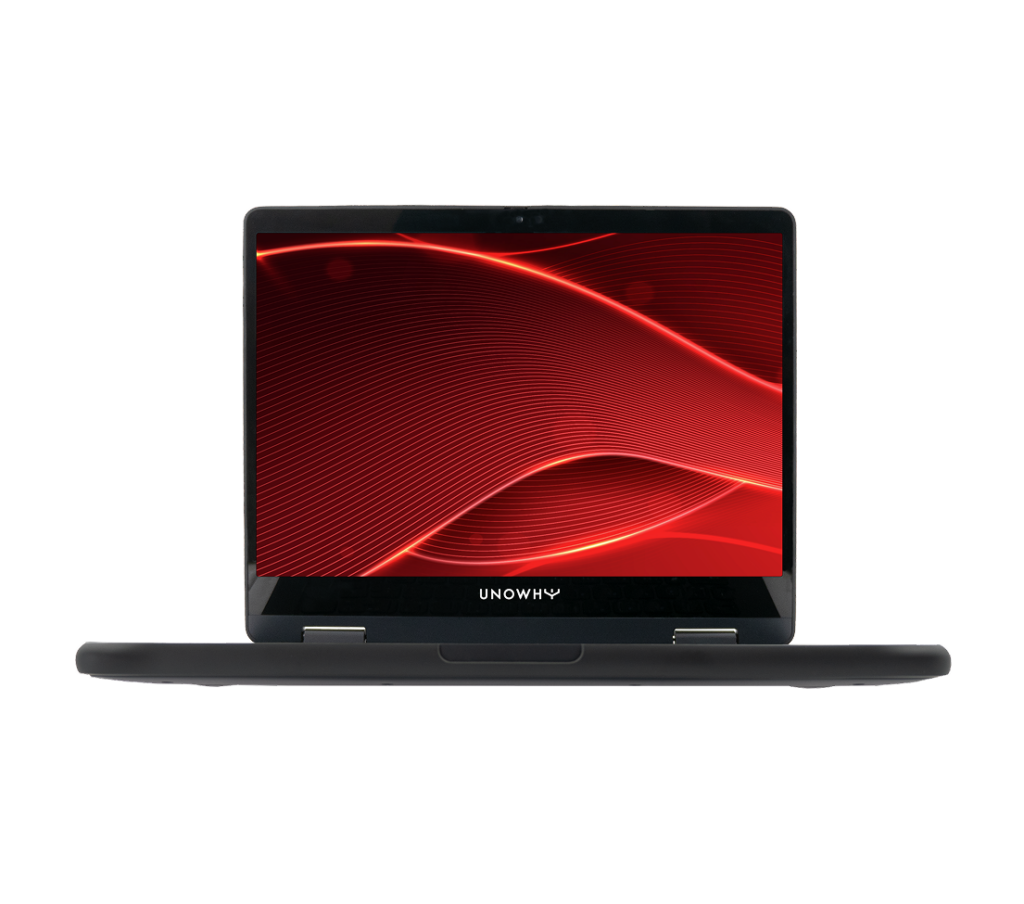
Intel® ADL-N150・ 8 Go RAM ・ 128 Go SSD
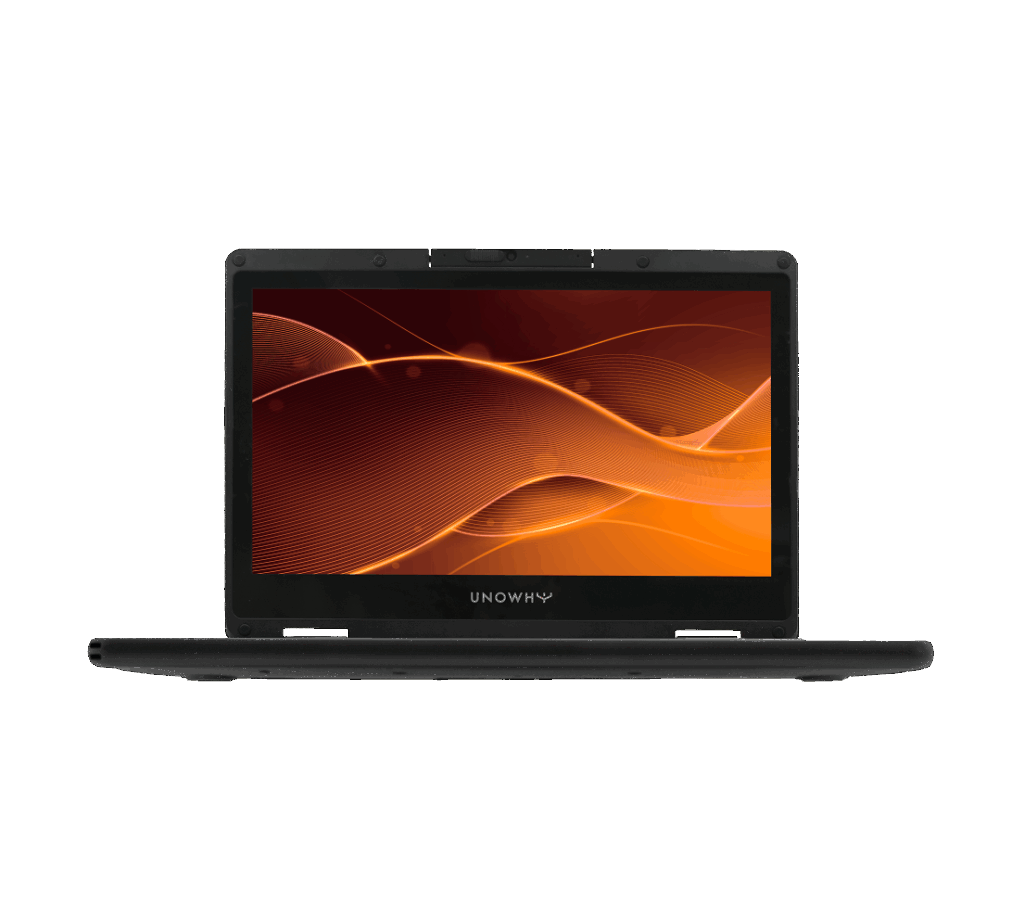
Intel® N5100 ・ 8 Go RAM ・ 128 Go SSD
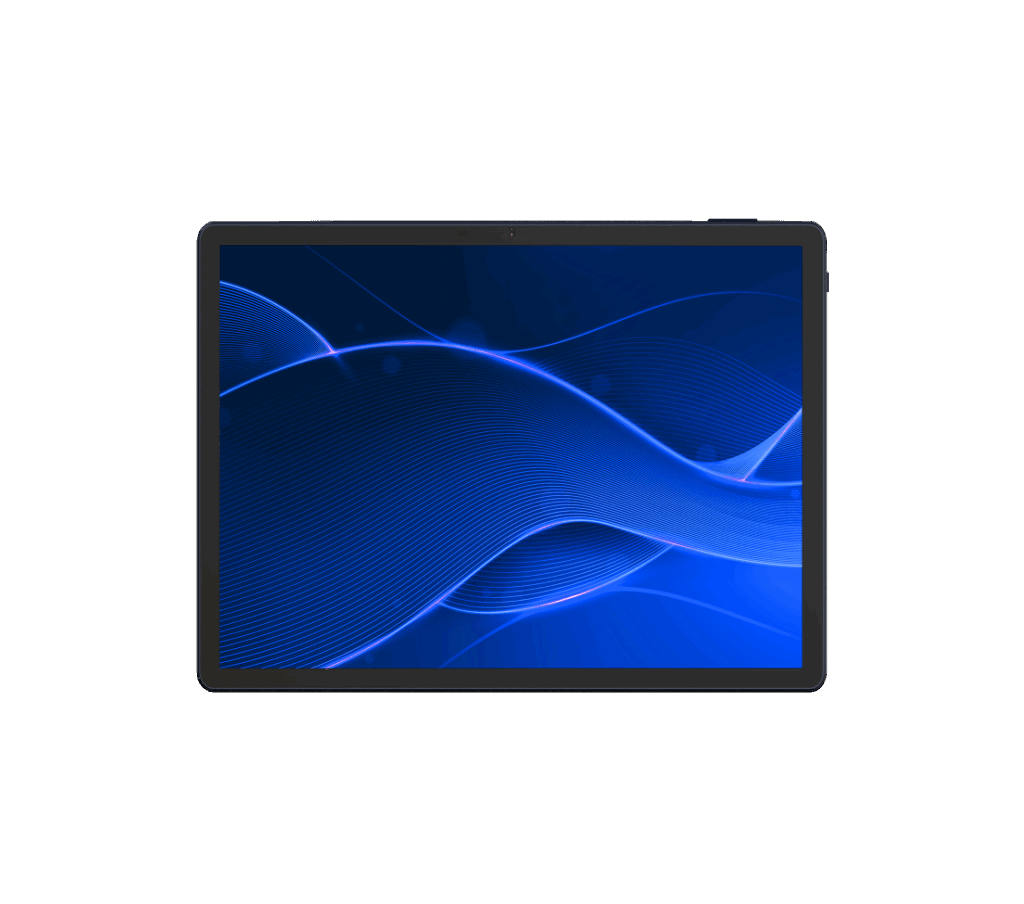
MediaTek MT8781 ・ 8 Go RAM ・ 128 Go SSD
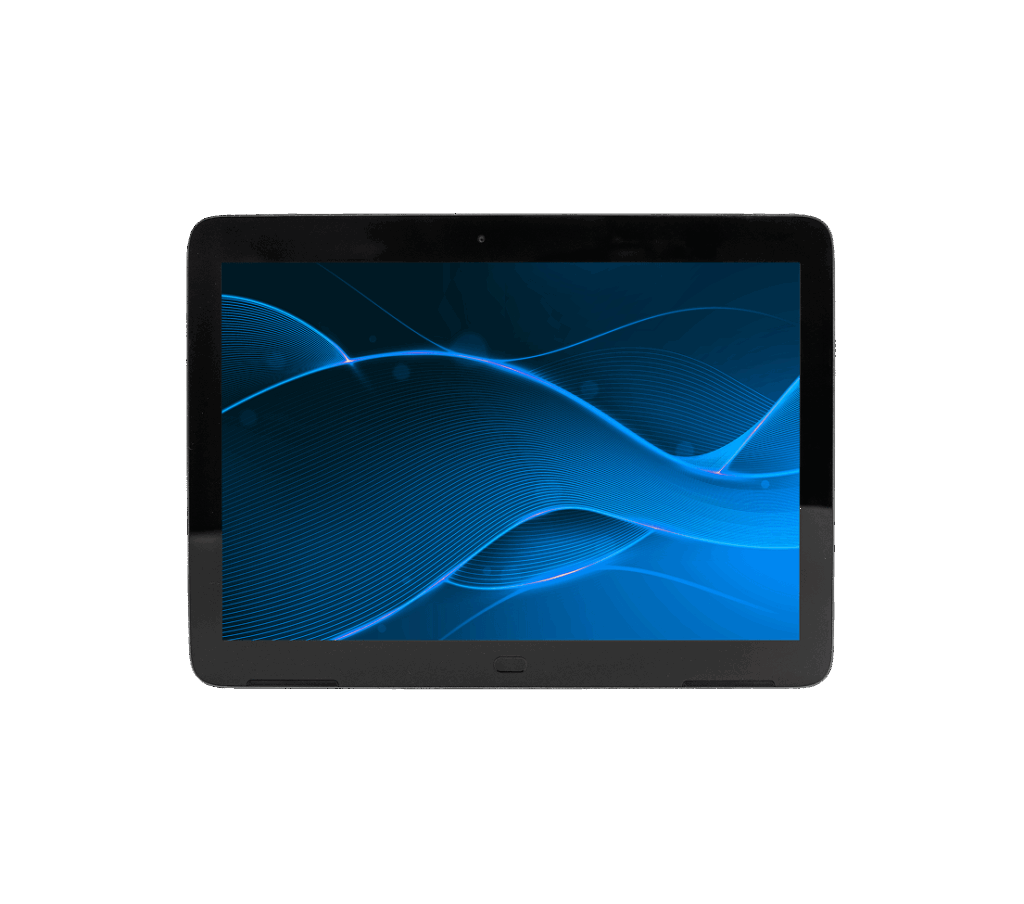
MediaTek MT8167B ・ 2 Go RAM ・ 32 Go SSD
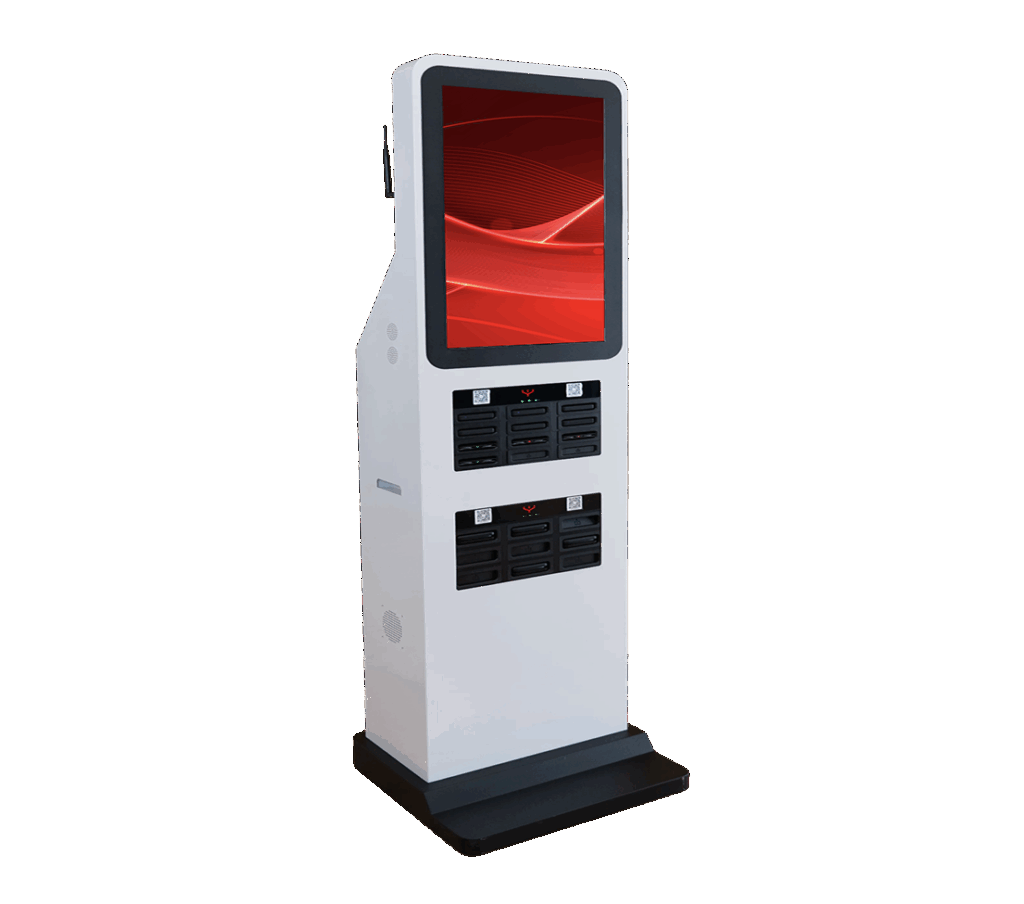
24 batteries ・ 15000 mAh ・ 4G / Wi-Fi
The SQOOL MDM administration console enables centralised device management, including app deployment, updates, remote control, device locking and more. Compatible with multi-site infrastructures, it simplifies the work of IT departments and digital learning coordinators.
The computers come with the SQOOL software suite (device management, classroom management, internet filtering, access to educational resources and parental controls) as well as Windows 11 Pro Education.
The SQOOL software suite is systematically included with the device, although activation is not mandatory. Its activation is nevertheless recommended to enhance the educational experience, strengthen IT security and simplify remote maintenance.
Yes. The Y14 PC is compatible with standard MDM solutions (Intune, SCCM, etc.). It is also possible to use the SQOOL software suite exclusively for educational needs.
The Y14 PC comes with a 3-year warranty as standard and includes 4 years of access to the SQOOL solution.
Yes. The Y13 Gen 2 PC (13,3”) or the Y11 360 Gen 2 PC (hybrid laptop) may better suit different uses or mobility requirements.
Speak with an education expert to learn more about the Y14 PC and ask your technical questions.